できること
- 現在の音声認識および翻訳状態をファイルに出力します。
- 配信ソフトに取り込んで字幕を合成できます。
事前準備
プラグインより、配信ソフト向けテキスト出力をONにします。

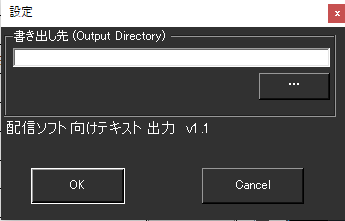
設定画面で、フォルダを指定する画面がでます。ファイルが書き出されるフォルダを指定してください。
設定後、音声認識を開始すると、テキストファイルが生成されます。
| Native.txt | 母国語 |
| Translation1.txt | 翻訳1 |
| Translation2.txt | 翻訳2 |
| Translation3.txt | 翻訳3 |
| Translation4.txt | 翻訳4 |
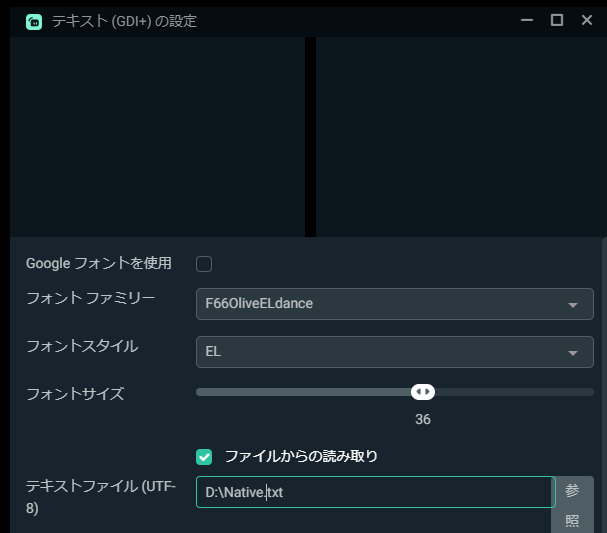
これらのファイルができたら、Stremlabs OBSやN-Airなどの配信ソフトウェアで読み込んで下さい。
たとえば、StreamLabs OBSなら、ファイルからの読み込みにチェックを入れて、ファイルを指定するだけでOKです。